

Pops Royalty Manager
Pops Royalty Manager simplifies lease and royalty tracking, saving you time on paperwork and document management.
Molu Software Update Service
Molu Software Update Service enables developers to deliver updates effortlessly—eliminating the need for CDs, FTP servers, or complex connectivity setups.

Mophilly Application Foundation
Mophilly Application Foundation (MAF) accelerates custom app development with the power of the Omnis Studio toolkit.

ODB Administrator
Omnis Data Bridge (ODB) allows macOS X servers to share Omnis database files for applications built with Omnis 7 and Omnis Studio.
Why Custom Software is the Future of Business
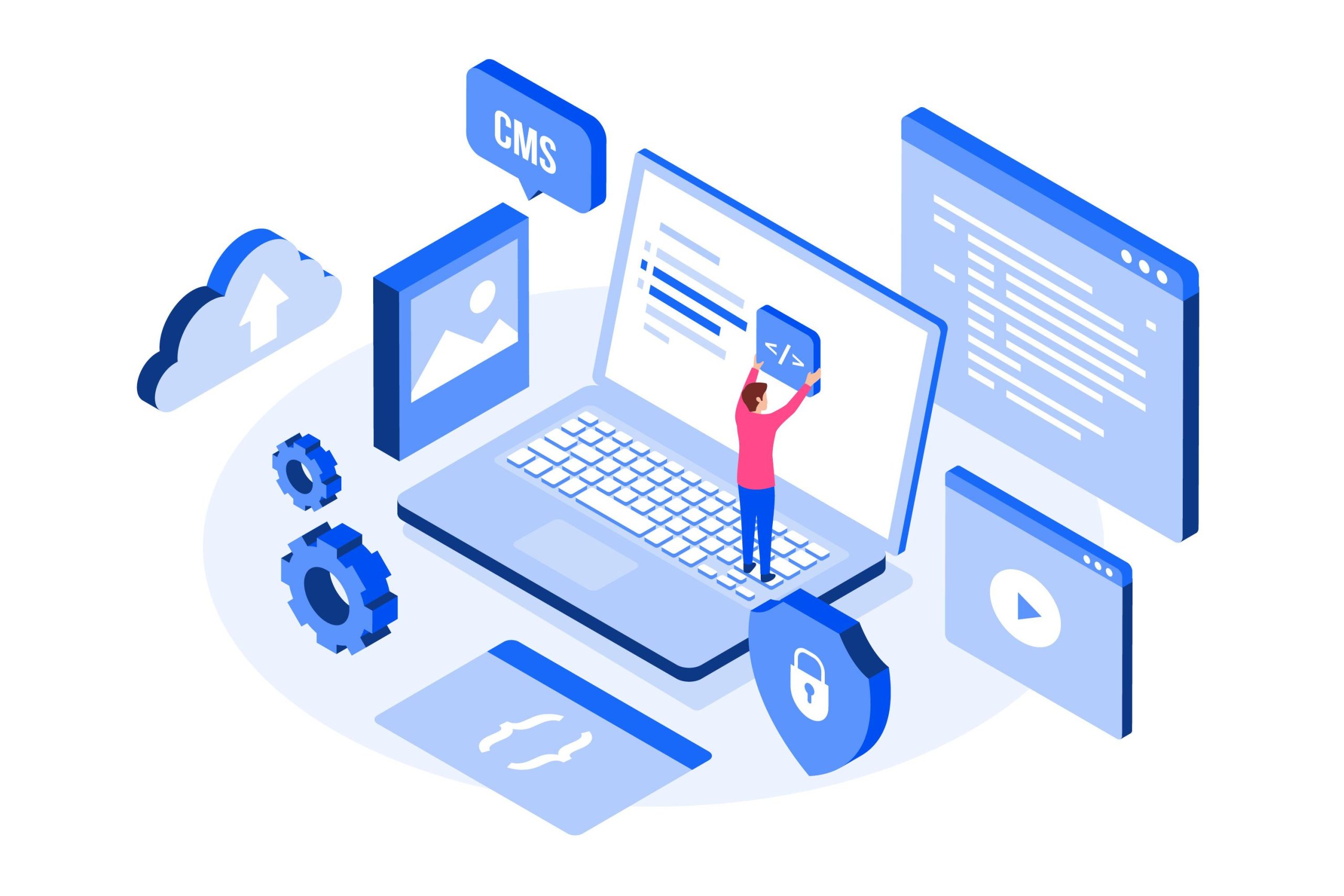
In today’s fast-paced world, off-the-shelf software just doesn’t cut it anymore. Businesses need tools that work the way they do—not the other way around. That’s where custom software comes in. Whether you’re managing complex data, automating tasks, or building something entirely new, custom solutions offer flexibility, efficiency, and scalability. With the right development team, you can turn your ideas into powerful applications that grow with your business.
The Real Value of Working with Expert Developers
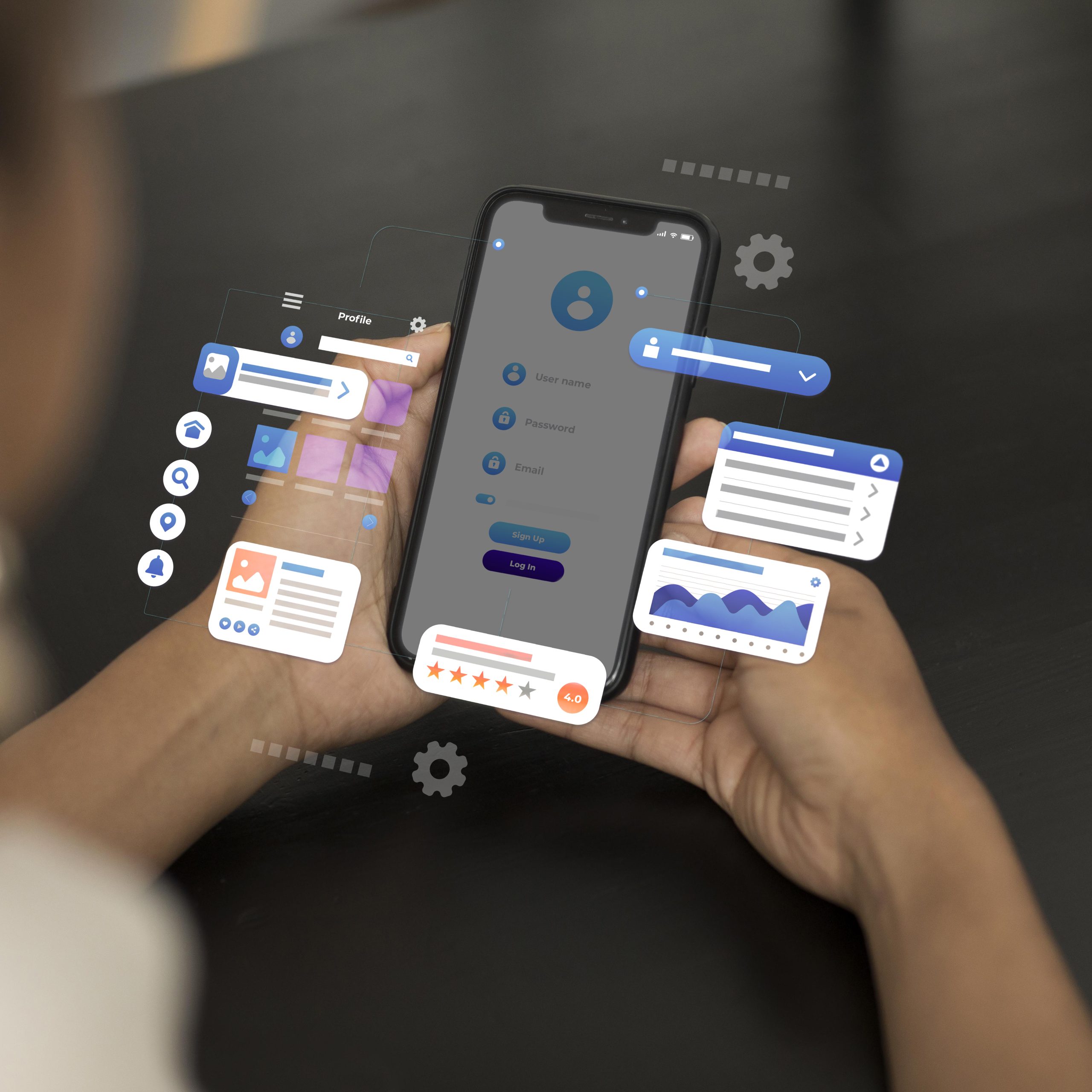
Hiring experienced developers isn’t just about writing clean code—it’s about understanding business needs and turning ideas into scalable solutions. Expert teams like ours bring strategic thinking, reliability, and innovation to every project, ensuring your software works now and grows with you over time.

How Custom Software Boosts Business Efficiency
Custom software is designed to fit your workflow—not force you to adapt. By automating repetitive tasks, integrating data sources, and streamlining processes, custom tools help businesses save time and reduce errors. The result? Increased productivity and better outcomes, tailored to your unique goals.

Mobile App Release 1.2.0300 (483)-2/9/16
We have released the latest version of the Vehicle Mobile Application, version 1.2.0300 (483). It is currently available in Google Play for Android phones, and it will be available for iPhones in 7 – 10 days. This release includes the following updates and fixes: New features in this version: Prints bar codes on Gate Pass Please ask your staff to download the latest version from Google Play (Android) today so that they are up to date. The new version will be available for iPhones in 7 – 10 days.
Have a Phishy Feeling?
This morning I received an invitation from a colleague asking me to pickup some files from DropBox. I wasn’t expecting anything so I wrote a quick email asking whether the invitation was legitimate. It wasn’t and, worse, my colleague’s office computer had been compromised with disastrous results. The Dropbox phishing scam has been around for a while. Symantec reported it in 2014 and more recently Denise Sullivan wrote about it on Cloudwards. The problem is pernicious and we recommend everyone review the DropBox Help Center article “How can I stay protected from phishing and malware”. Bottom line: be careful with incoming email. If you are not a “techie” call your local computer store or company “help desk” for assistance and advice.
Registration Policy and Process
– Each installation of the VDA desktop application requires a license number. – Upon launch the VDA desktop application registers the license number with Mophilly. – Any installation can be “un-registered”. This is not built into the application but can be handled by Mophilly for you. – License numbers not registered can be used with another installation. You can retire machines and “move” the license to a new one via the registration process. If you use a registered license number for a new installation, the application will alert you and quit. If you think the license number should be available, Mophilly can check the registration system to see if it is in use. If it is, we can deactivate the registration so the installation can complete the registration process. When you launch the application the license number is validated with the registration system. If the license number is registered to a different machine, the application will alert you and quit. Please call Mophilly if that occurs.
El Niño hits San Diego
Extreme weather with heavy rain across California is effecting many businesses. Mophilly is not exempt. While our critical services are unlikely to be affected, there is a chance that outages will occur. If you encounter a problem connecting with any of our services over the next few days, please contact the office by telephone, +1 619 296 0114. Current information is available at Weather.com reports rain and snow in California
Delivered Loads Continue To Appear
If delivered loads keep showing up in the Select Loads screen when you Refresh, a past load may not recorded as fully delivered in the system.
Vehicles Are Not Being Processed Correctly
Use the new Vehicle Tracker tool before contacting support. It is located on a new tab of the Vehicle Details window. Now whenever you look up a vehicle, you can see where it is in the delivery process using the Vehicle Tracker. Before contacting tech support about a vehicle problem, please check the Vehicle Tracker display first to see if you can figure out where it is.
Remove Spot Buy Loads From Work In Process
These are the steps to take:
Mark A Vehicle As Hot Before It’s On The Ground
It can be done any time after we have received the ASN record. It can be done either from the Vehicle Locator using the Set Priority Level option or it can be done from the Vehicle Details window using the Priority Item (No/Yes/Hot) radio buttons.
Old Loads Are Showing Up In The Mobile App
How to identify the error Loads that have already been delivered keep showing up in the Select Loads screen of the mobile app when you Refresh from Dispatch. What it means One of the loads that you delivered in the past is not recorded as fully delivered in the system. It may be that an exception came in and was not dealt with, so that even though the driver delivered the load one of the vehicles is still not delivered. When this happens, new loads that the driver picks up are added to the last run, and the vehicles from the last run(s) will continue to show up in the phone. What to do about it Get one or more of the load numbers that keep showing up in the driver’s phone. In the desktop app, go to Payroll/Run Details, do a Find on that Load number. Open the Run, if this is the correct problem then you will see vehicles from several loads in the “Vehicles Delivered” list. Now you have to examine the loads to see which one (or more than one) is still in the EnRoute state. Click “Modify” on the Run window, click on a line for a vehicle from one of the loads and click the “View Load” button. In the Load Details window, check the load status in the upper-right corner. If it’s EnRoute, this load must be Delivered before the Run can be Closed. Deliver the vehicles in the load that are not yet delivered (or if it’s actually enroute, wait for the driver to deliver it). This should automatically close the Run, but if it does not then click Modify on the Run Detail window again and change the Run Status to Closed. Now the driver can go into their phone, do Refresh from Dispatch, and see no vehicles assigned to them.
Setting A Vehicle’s On-Hold Status
From the Vehicle Locator window, there is a button labeled “Add Vehicle Hold”. When vehicles are located and displayed in the “Search Results” list, selecting one or more of the vehicles in the list and selecting the “Add Vehicle Hold” button will begin the process of setting the selected vehicles on-hold. For each group, a dialog will appear to enter the details for that groups hold. For example, if there are Ford, GM, Chrysler and Honda vehicles selected, a dialog will appear for the Chrysler vehicles. The details entered will be just for the selected Chrysler vehicles. Then the user will be prompted if they want to report the Ford holds or not, and then they will get the Ford hold dialog to enter the hold properties for the selected Ford vehicles. Then the GM, and then a dialog will appear for any other vehicles not in the previous groups. The vehicles will be processed in the following order: Chrysler: Window used: wdAddVISTADelayTransaction Ford Window used: wdAddFordDelayTransaction – if reported Window used: wdAddVehicleHold – not reported Ford vehicle holds have the option of being reported to the customer or not. If any Ford customer vehicles are selected, then the user will be prompted if they are to be reported. If they are, then Ford vehicle holds are created. If not, then “All Others” holds records will be created for the selected Ford customer vehicles. GM: Window used: wdAddGMDelayTransaction All Others: Window used: wdAddVehicleHold Notes on Vehicle Hold There are multiple Hold types in the system: Vehicle Hold Chrysler Hold Ford Hold GM Hold For Chrysler and Ford you have to use the Chrysler or Ford hold type in order to be able to transmit the data back to the manufacturer. After adding or removing a Ford hold you must do the COPAC Delay and V.V. Delay exports in order to transmit the data back to the manufacturer. For Chrysler it is the VISTA 550 export that needs to be done. The GM Hold only applies to direct communication with GM, where the actual contract is with GM. This would not apply to ShipCarsNow. The regular Vehicle Hold is used for all other customers other than Chrysler, Ford and GM. These do not communicate the hold information back to the Customers.
Units Are Showing Need Location, But The Order It Has The Location Name On It
Units are needing location, but the Order has location name already on it? User has to update the dealer information in the order and in the customer file.
Can A Common Pickup Location Also Be A Common Delivery Location?
Yes, any location can be used as either a pickup or drop-off location. The classification of Pickup Location or Dropoff Location only really indicates what it is most frequently used as to shorten the result lists when using the Location Locator when building orders. Q: How would one tell if these are set up correctly? A: Common Locations for OEMs usually use code table entries to specify their location identifiers (Port/Railhead Code, SPLC Code, etc).
Vehicle Was Split And Now We Need To Put It On HOLD
There is no easy mechanism for putting a multiple leg move on hold. The easiest way to do this is to merge the Legs back together (can be done from the Legs tab of the Vehicle Details window) and then apply the hold.
Entering The Last 8 Digits of Barcode Does Not Match Vehicle
Drivers should be Instructed to use the Bar Code from the vehicle as a source to collect the VIN if one is not available through the db. Last 8 should only be used in cases where you already have the entire VIN in the db and the driver is required to manually enter because a barcode on the vehicle is not available. If there is NO BAR CODE on the vehicle AND your office does not already have the complete 17 character VIN in the db they regrettably in this rare case MUST enter the entire 17 characters manually through the mobile app. Note: One important item about remarketed vehicles. It is VERY IMPORTANT that the driver is told to DOUBLE CHECK the VIN SCANNER to the VIN PLATE on the dash as a MUST MATCH. In the case of remarketed vehicles sometimes doors may be replaced and the replaced door VIN does NOT match the vehicle VIN.
The About Screen Lists Useful Information
It can be accessed from the mobile app’s Main Menu, and displays the following information. App Version This will be of the form “X.Y.Z (B)”, for example “0.2.0 (408)” for the version released on 4/15/2105. X.Y.Z is the version number we assign. B is the sequential build number assigned by the build server, and is what is normally used to distinguish which version we’re talking about. OS Version Dispatcher The name of the Dispatcher, as shown in the login list (this is NOT the four-letter Dispatcher Code). WebService URL Tells you which database they’re talking to. Driver Name The user code the driver used to log in. Truck Number Truck Mileage
New Vehicles Did Not Have Model Information Decoded From VIN
As new model information becomes available with a new model year, you will need to click the “Decode VIN” manually on VINs that are not automatically being decoded.